 klikwit
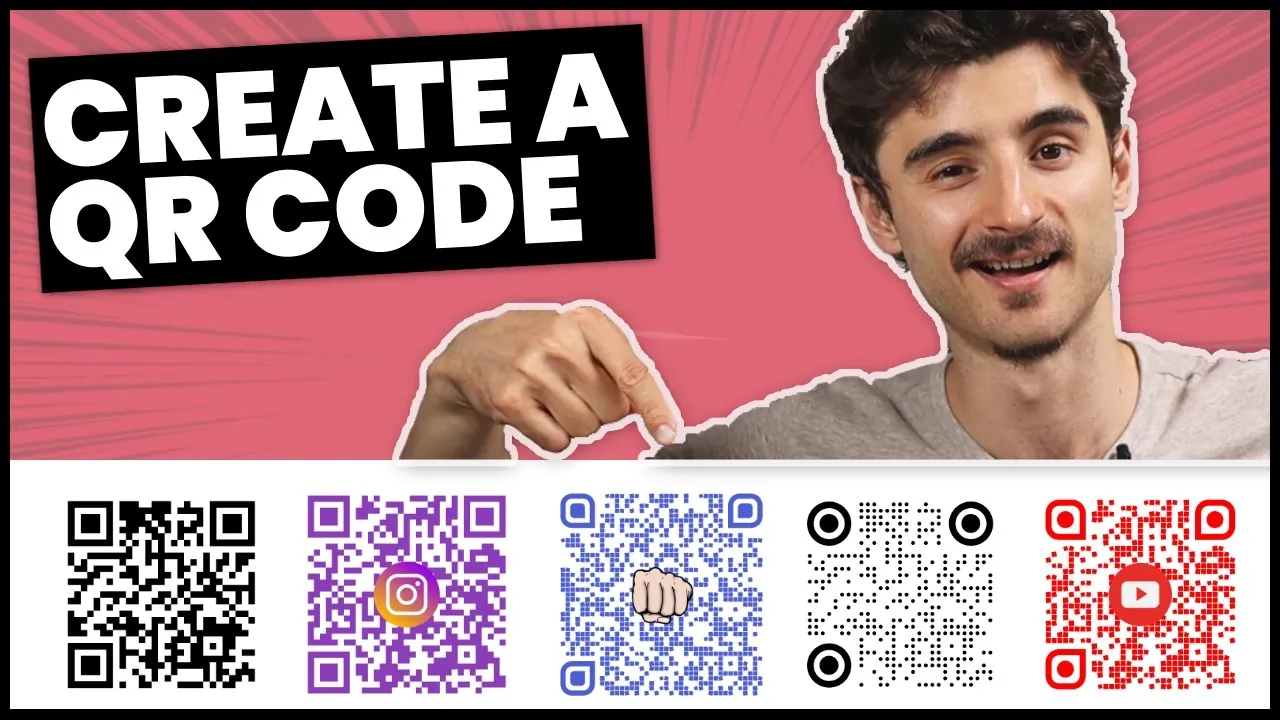
Creating a website QR code takes under two minutes using a free online generator. Paste the link, download the PNG or SVG, and test before printing. This suits anyone needing a quick bridge between physical materials and digital content.
Tools to create a website QR code
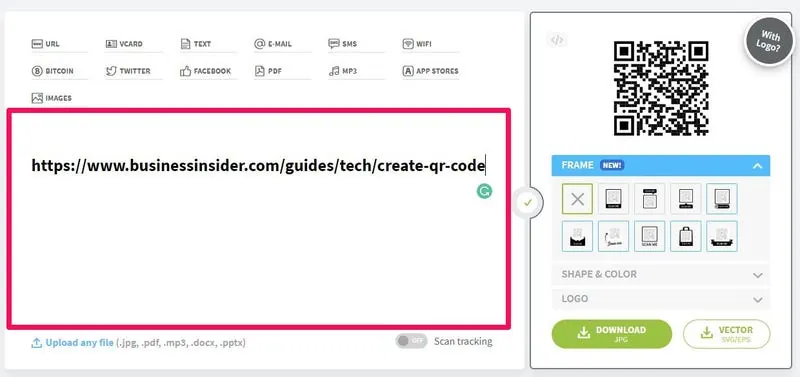
You need specific items ready before you start generating to avoid broken links or poor scan quality.
- Destination URL: The exact web address you want users to visit, including https:// and any tracking parameters.
- QR code generator: A reputable free tool like QRCode Monkey or Adobe Express that offers high-resolution downloads without watermarks.
- Image editing software: Basic tools like Canva or Photoshop if you plan to add logos or adjust colors while maintaining contrast.
- Testing devices: At least one iPhone and one Android phone with different camera apps to verify universal compatibility.
- Vector format access: Ability to export SVG or EPS files if you'll print the code larger than 2 inches on posters or banners.
- Contrast checker: A simple color contrast tool to ensure foreground and background colors meet WCAG accessibility standards for reliable scanning.
If you lack design software, stick to black-and-white codes; custom colors require testing across multiple lighting conditions to confirm readability. For commercial campaigns requiring analytics or dynamic redirects, use paid platforms like Bitly or Beaconstac that handle enterprise-level tracking and comply with GDPR data regulations.
Steps to generate your QR code
Follow this sequence to produce a scannable code. Skipping steps leads to unreadable codes.
- Copy your complete destination URL from the browser bar, ensuring no extra spaces or missing characters exist. Test the link yourself first to confirm it loads correctly on mobile devices, since most QR scans happen on phones.
- Open your chosen generator and paste the URL into the designated field. Select "URL" or "Website" as the content type rather than text or vCard options.
Careful: Double-check the pasted URL matches your intended destination exactly; generators don't validate links, so typos create permanent dead codes once printed.
- Customize appearance only after confirming the base code works. If adding a logo, keep it under 30% of the total code area and maintain high contrast between dark modules and light background.
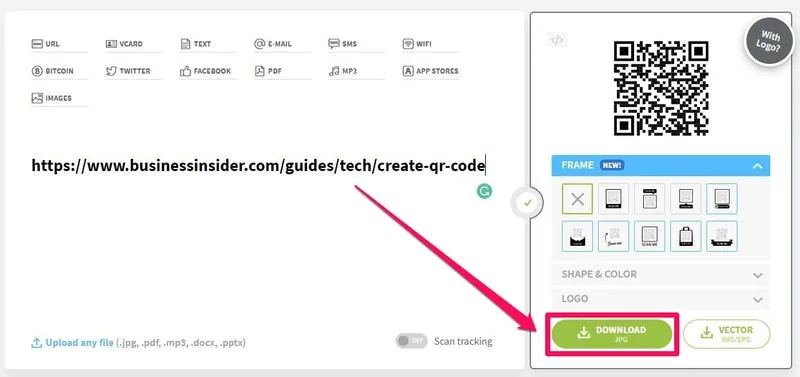
- Download in PNG format for digital use or SVG/EPS for print materials larger than business cards. Never save as JPEG, which compresses edges and creates scanning failures at small sizes.
Tip: Always download the highest resolution available; you can scale down later but can't recover detail from low-resolution files when enlarging for signage.
- Test the downloaded file immediately using both iOS and Android cameras in normal indoor lighting. Verify it opens the correct page within three seconds without requiring third-party scanner apps.
- Place the code in your design with adequate quiet zone—four module-widths of white space on all sides. Crowding text or graphics against the code border causes scan failures.
- Add a clear call-to-action below or beside the code telling users what they'll get by scanning. "Scan for menu" performs better than a bare code because people won't scan unknown destinations.
Careful: Never place codes on curved surfaces, reflective materials, or moving objects; distortion breaks the finder patterns that cameras need to recognize the code structure.
- Document the destination URL and generation date in a spreadsheet for future reference. Static codes can't be changed later, so record-keeping prevents losing track of where each code points.
For large-scale commercial deployments requiring dynamic redirect capabilities or detailed scan analytics, consult professional QR service providers who offer ongoing support.
Adjustments by use case
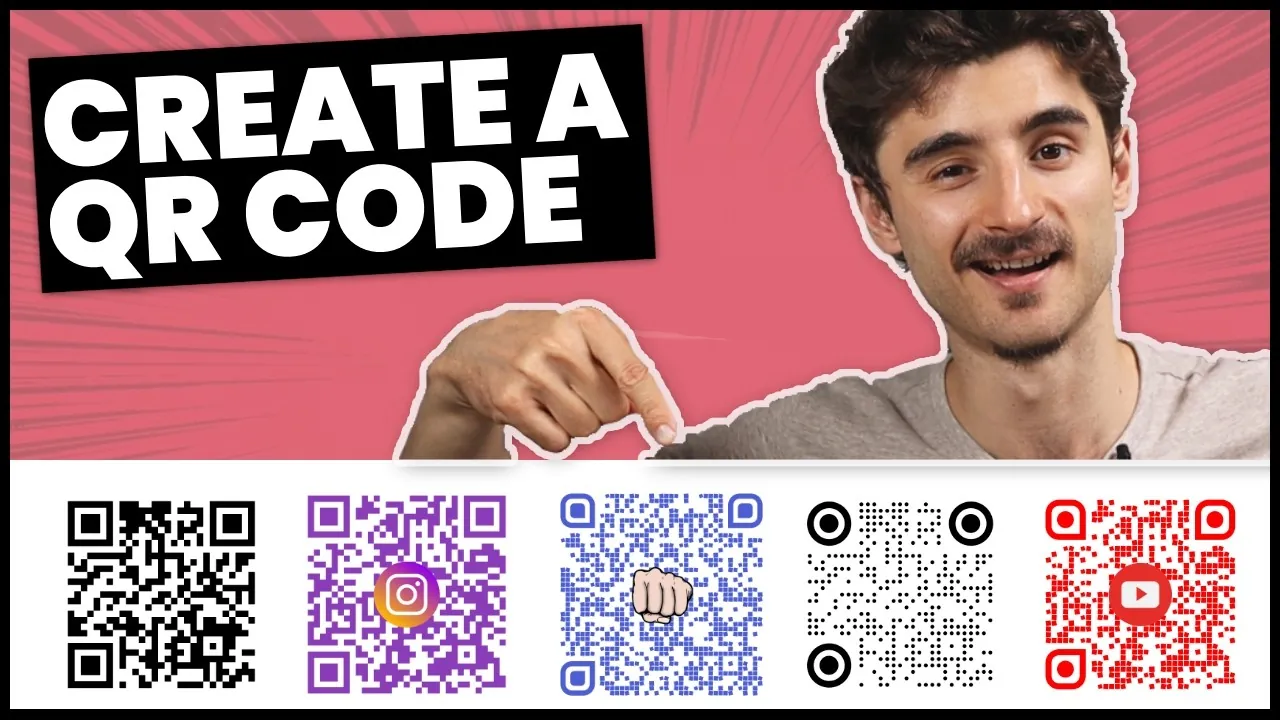
https://www.youtube.com/watch?v=rlUf-xVtmzQ
Different applications demand different specifications. Match settings to the deployment environment.
| Use Case | Minimum Size | Format Needed | Key Difference | Watch For |
|---|---|---|---|---|
| Business cards | 0.8 × 0.8 inches | High-res PNG | Limited space restricts logo size | Ensure quiet zone isn't trimmed during cutting |
| Restaurant menus | 1.2 × 1.2 inches | Vector SVG | Frequent handling causes wear | Laminate or use matte finish to prevent glare |
| Event posters | 2 × 2 inches minimum | Vector EPS | Viewing distance requires larger modules | Test readability from 3 feet away before printing |
| Product packaging | 0.6 × 0.6 inches | Print-ready PDF | Curved surfaces distort geometry | Place only on flat panel areas |
| Digital screens | 150 × 150 pixels | Optimized PNG | Screen resolution affects module clarity | Avoid placing near screen edges or UI elements |
| Vehicle wraps | 4 × 4 inches minimum | Large-format vector | Motion and angle reduce scan window | Position at eye level on stationary viewing side |
Starting with conservative sizing and simpler designs reduces reprint costs when issues arise; you can always increase complexity after confirming baseline functionality in real-world conditions.
Checking QR code quality
A good QR code scans instantly in varied lighting and directs users to the intended page without errors.
Maintain a contrast ratio above 4.5:1. Keep logos under 30% coverage and never place them over the three corner finder patterns or alignment markers.
Verify the quiet zone remains intact after placement in layouts; cropping white space to fit tight designs is the second most frequent cause of scan failures.
Standards and maintenance
The International Organization for Standardization publishes ISO/IEC 18004, which defines QR code symbology specifications including module dimensions, error correction levels, and encoding modes that ensure cross-platform compatibility.
Static codes last indefinitely but can't be updated; dynamic codes require ongoing subscription payments to maintain redirect functionality. Plan maintenance schedules around campaign lifecycles—event codes expire after the date, while product codes may need annual review as packaging refreshes. For regulated industries like healthcare or finance, consult compliance officers before deploying codes that link to sensitive data or patient portals, as additional security protocols may apply.
Alternative generation methods
Command line tools
Developers can generate codes using libraries like qrencode or segno. Setup requires terminal familiarity but produces batch outputs in seconds for inventory tags or personalized mailings.
Design software plugins
Illustrator and Figma offer plugins embedding generation in design files. Best for agencies managing multiple client brands where consistent styling matters more than speed. Trade-off is plugin cost and learning curve.
Mobile app generators
Apps like QR Reader & Creator generate codes on smartphones. Lower resolution output suits only digital sharing or small prints. Good for quick prototypes but not production assets.
Related guides
Frequently asked questions
Can I create a QR code for free?
Yes, numerous reputable generators offer free static QR codes with no expiration or scan limits. Paid tiers add dynamic redirects, analytics, and bulk generation. Confirm free codes don't expire or insert ads into scanned destinations.
Why won't my QR code scan?
Insufficient contrast, damaged finder patterns, or inadequate quiet zones cause most scan failures. Low-resolution JPEG compression also blurs module edges below camera recognition thresholds. Regenerate using PNG or SVG format with black-on-white coloring. Test under actual deployment lighting conditions, as codes readable on bright screens often fail in dim restaurants or outdoor shade.
How long do QR codes last?
Static QR codes function indefinitely as long as the destination URL remains active and hosting continues. Dynamic codes depend on the service provider's subscription status; cancellation disables redirects even if the code itself remains physically intact. Archive destination URLs separately so you can recreate codes if services shut down.
Is it safe to use free QR generators?
Reputable free generators are safe for non-sensitive destinations, but avoid entering passwords, financial data, or proprietary information. Free services may collect scan metadata or display ads on redirect pages. For confidential links, use self-hosted open-source tools or paid enterprise platforms with explicit privacy policies. Always test generated codes to verify they point only to your intended destination without intermediate tracking pages.
What happens if I change my website URL?
Static QR codes become permanently broken when URLs change; there's no way to update them after printing. Dynamic codes solve this by redirecting through an intermediary service where you control the destination independently. If uncertain, invest in dynamic codes despite higher cost to avoid expensive reprints later.
How big should my QR code be?
Minimum size depends on scanning distance and module density. Business cards need 0.8 inches minimum; posters viewed from 3 feet require 2 inches or larger. Calculate using the formula: code width equals scanning distance divided by ten for standard density codes. Higher density codes with embedded logos need proportionally larger sizes. Always test at actual intended viewing distance before finalizing dimensions.
Do QR codes work without internet?
The code itself scans offline, but accessing website destinations requires active internet connectivity. Codes linking to local files, Wi-Fi credentials, or contact information function without data connections. Consider offering offline alternatives like downloadable PDFs for critical information accessed via QR codes.
Conclusion
Generating reliable QR codes balances technical precision with practical usability across diverse real-world conditions. Success comes from treating codes as functional interfaces rather than decorative elements, prioritizing scan reliability over aesthetic preferences, and maintaining documentation for long-term management. Start simple, test thoroughly, and scale complexity only after confirming baseline performance in your specific deployment environment.
Comments (0)
No comments yet. Be the first to share your thoughts!
Leave a Comment