 klikwit

A URL slug is the last, human-readable part of a web address that identifies a specific page — the words after the final slash, like url-slug-seo in example.com/url-slug-seo. It isn't the whole link, not the domain name, and not the folder path. It's the label that tells both people and search engines what a page is about before they ever open it. Get it right and you earn a small but permanent advantage in clarity, click-through, and crawlability. Get it wrong and you spend years looking at a URL that says /page?id=4821 while your competitor's says /best-running-shoes.
Key Takeaways
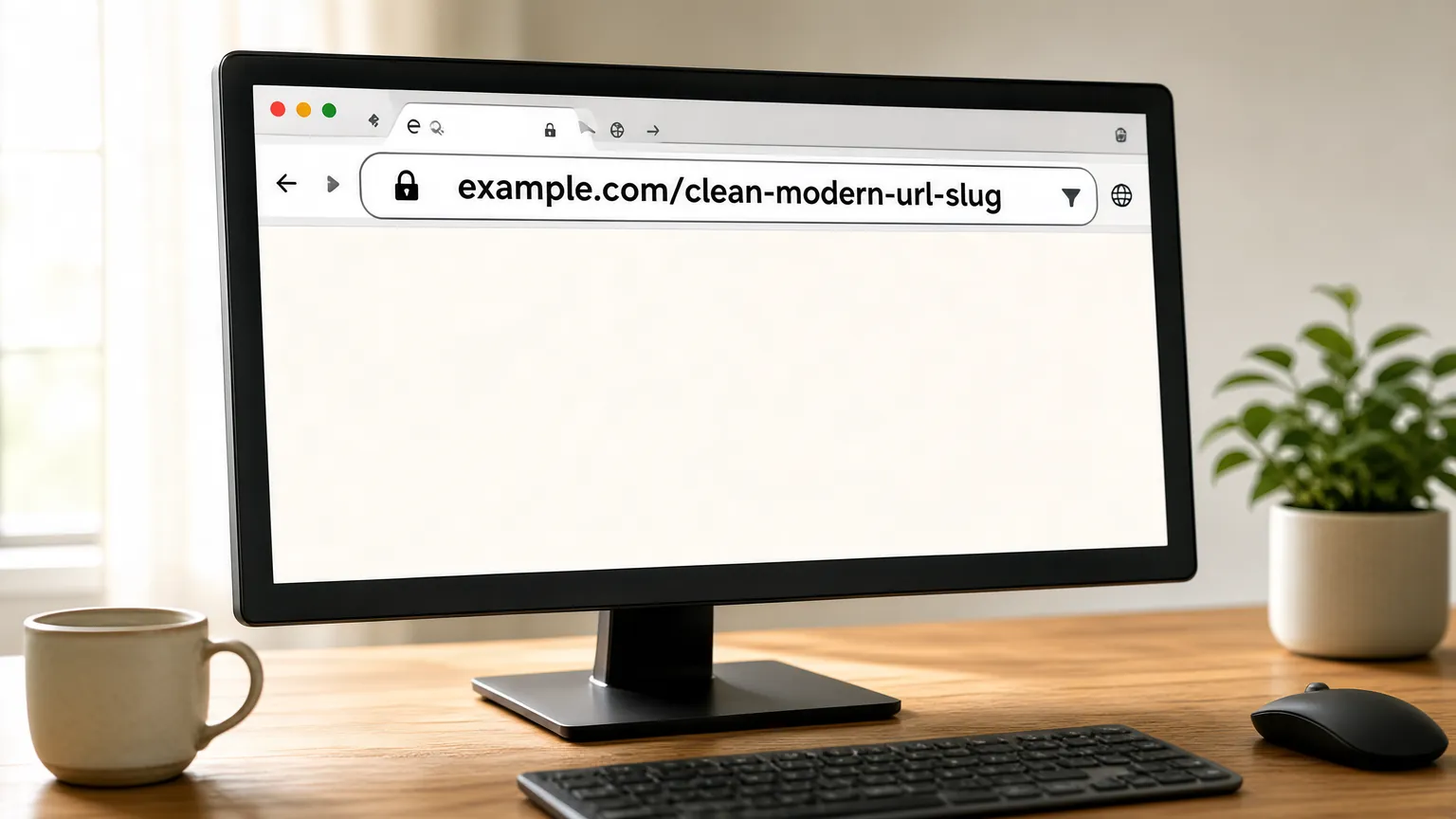
- A slug is the readable tail of a URL, usually the page title converted to lowercase words separated by hyphens.
- Keep slugs short, descriptive, and keyword-relevant — three to five words is the sweet spot for most pages.
- Use hyphens, never underscores, because Google treats hyphens as word separators and underscores as joiners.
- Change a slug only when it's genuinely bad; if you do, set up a 301 redirect so you don't lose rankings.
- Slugs are a minor ranking factor, but they strongly influence click-through rate and how cleanly your site structure reads.
- Never stuff the same keyword into a slug twice; it looks spammy and adds nothing.
Why the Slug Matters for SEO
Search engines use every signal on a page, and the URL is one of the earliest they read. A slug containing your target phrase gives the crawler immediate context. More importantly, slugs appear in three places that affect real traffic: the search results themselves, the browser address bar, and every link anyone copies and shares.
A clean slug also improves click-through rate. When two results rank side by side, the one showing /how-to-train-for-a-marathon looks more trustworthy and more relevant than /post-2847. That difference shows up in your analytics as a higher CTR on the same ranking position.
Slugs also shape information architecture. A well-built site has URLs that read like a table of contents: /blog/seo-basics, /blog/url-slugs, /products/trail-shoes. Anyone — human or bot — can guess where they are.
Anatomy of a URL
Breaking a URL into its parts makes the slug's job obvious.
| Part | Example | What it does |
| Protocol | https:// | Secures the connection |
| Domain | example.com | Identifies the site |
| Path | /blog/ | Shows the section or folder |
| Slug | url-slug-seo | Names the specific page |
| Query string | ?ref=newsletter | Passes tracking or filter data |
The slug is the only part you usually control at the page level, and the only part a reader actually reads.
How to Write a Good Slug
Follow these rules and you'll rarely go wrong.
- Lowercase everything.
Best-Coffeeandbest-coffeecan be treated as separate URLs, creating duplicate content. - Use hyphens between words. Google's own guidance on URL structure recommends simple, descriptive words. Hyphens are the standard separator; underscores and spaces cause problems.
- Front-load the keyword.
/seo-url-slugsbeats/url-slugs-and-their-role-in-seo. - Cut stop words like "and," "the," "of," and "a" when they add nothing.
- Drop dates and IDs unless the page is genuinely time-bound, like
/2025-tax-deadlines. - Keep it stable. A slug is a promise; changing it breaks every existing link.
Pro Tip: Write the slug before you write the article. If you can't summarize the page in four words, the page probably lacks a clear focus — and that's a content problem, not a URL problem.
Hyphens vs Underscores vs Spaces
This is the single most common slug mistake, so it deserves its own comparison.
| Separator | Example | Search engine behavior |
| Hyphen | red-running-shoes | Read as three separate words |
| Underscore | red_running_shoes | Often read as one joined string |
| Space | red running shoes | Encoded as %20, breaks in sharing |
| None | redrunningshoes | Unreadable to people and bots |
Google has stated for years that hyphens are the recommended way to separate words in URLs. Underscores aren't penalized, but they underperform because the words aren't split. Spaces are simply invalid and get converted into ugly percent-encoding.
Slugs and Keyword Targeting
The slug is a supporting signal, not the main event. Your title tag, H1, and body copy carry far more weight. Treat the slug as confirmation, not repetition.
A good pattern: if your title is "How to Choose Running Shoes for Flat Feet," your slug is /running-shoes-flat-feet. The slug echoes the topic without copying the entire title. Avoid /how-to-choose-running-shoes-for-flat-feet-step-by-step-guide — long slugs get truncated in search results and dilute the signal.
Warning: Don't repeat a keyword in the slug to game rankings. /running-shoes-best-running-shoes reads as spam to users and adds no ranking value.
When to Change an Existing Slug
Changing a slug is a real cost, so only do it when the current one is actively hurting you. Good reasons include:
- The slug is auto-generated gibberish like
/p-2847or/node/12. - It contains a dated year that no longer applies, like
/2021-pricing. - It targets a keyword you no longer want to rank for.
- It contains a typo or a misspelling of your own brand.
Bad reasons: you're bored with it, you want a slightly different keyword, or a tool flagged it as "not optimized" without explaining why.
How to Change a Slug Without Losing Rankings
If you must change it, follow this order.
- Pick the new slug and confirm it's lowercase, hyphenated, and short.
- Set a 301 redirect from the old URL to the new one. This passes most ranking signals forward.
- Update internal links across your site so they point to the new URL directly.
- Update your sitemap and resubmit it in Google Search Console.
- Check for backlinks and reach out to anyone linking to the old URL if the redirect is temporary.
- Monitor the page's traffic and rankings for four to six weeks.
Warning: Never delete an old URL without a redirect. That guarantees a 404, and every link pointing at it becomes worthless overnight.
Common Slug Mistakes to Avoid
A quick checklist of what breaks slugs in the wild:
- Auto-generated slugs from a CMS that produce
/uncategorized/post-1187. - Keyword stuffing with three variations of the same phrase.
- Uppercase letters creating duplicate URLs on case-sensitive servers.
- Special characters like
%,&, or accented letters that get encoded. - Dates in evergreen content, which make a page look stale in the SERP.
- Changing slugs casually and breaking inbound links.
Slugs on Different Platforms
The platform you use determines how much control you have.
| Platform | Default slug behavior | What you can do |
| WordPress | Auto-generates from the title | Edit before publishing; set permalinks to "Post name" |
| Shopify | Uses the product title | Edit per product; keep collections short |
| Wix | Auto-generates from the page name | Edit in page settings before publishing |
| Squarespace | Uses the page title | Edit in page settings; enable the auto-redirect |
| Custom sites | Whatever the developer coded | Build a slug field into the CMS from day one |
The pattern is consistent: every major platform lets you edit the slug, but almost none of them warn you that changing it later breaks links.
Related guides
- How to Write a Good Meta Description That Earns Clicks
- On-Page SEO vs. Off-Page SEO: What's the Difference?
- Common SEO Mistakes Beginners Make: এড়ানোর কার্যকরী উপায়
Frequently Asked Questions
What is a URL slug in simple terms?
It's the readable part of a web address that names the page. In example.com/blog/seo-tips, the slug is seo-tips. It exists so people can tell what a page is about just by looking at the address, and so search engines get an early hint about the topic.
Do URL slugs actually affect rankings?
They're a minor ranking factor, not a major one. Google has said URLs are a small signal. The bigger value is indirect: a clear slug improves click-through rate, makes internal linking easier to manage, and helps search engines understand your site structure. Don't expect a slug change alone to move you from page three to page one.
Should I use hyphens or underscores in a slug?
Use hyphens. Google treats hyphens as word separators, so red-running-shoes is read as three words. Underscores are often treated as a single joined string, which weakens the signal. Hyphens are also easier to read and less likely to be broken when a URL wraps across two lines.
Can I change a slug after publishing?
Yes, but always set up a 301 redirect from the old URL to the new one at the same time. Without a redirect, every existing link, bookmark, and search result pointing at the old address will hit a 404 error. Update your internal links and sitemap too, then monitor traffic for a few weeks.
How long should a slug be?
Aim for three to five words, roughly 50 to 60 characters. Shorter slugs are easier to read, easier to share, and less likely to be truncated in search results or social previews. If you need more than six words, your page probably covers more than one topic and should be split.
Are numbers or dates bad in a slug?
Numbers are fine when they're part of the topic, like /best-laptops-2025. Dates are risky for evergreen content because they make the page look outdated in search results even after you update it. Reserve dated slugs for genuinely time-bound pages like annual reports or event schedules.
Conclusion
The fastest next step is to open your five highest-traffic pages, look at their slugs, and fix any that are auto-generated gibberish, stuffed with keywords, or broken by underscores. That single pass takes about twenty minutes and cleans up the URLs that already earn you the most visibility.More
Comments (1)
Leave a Comment